There are some alternatives to Afterburner that you can get just as easily and use for the same purpose. You can get to know a broader field of them at TechRadar’s round-up of free overclocking software — the three below are the ones worth knowing first.
EVGA Precision X
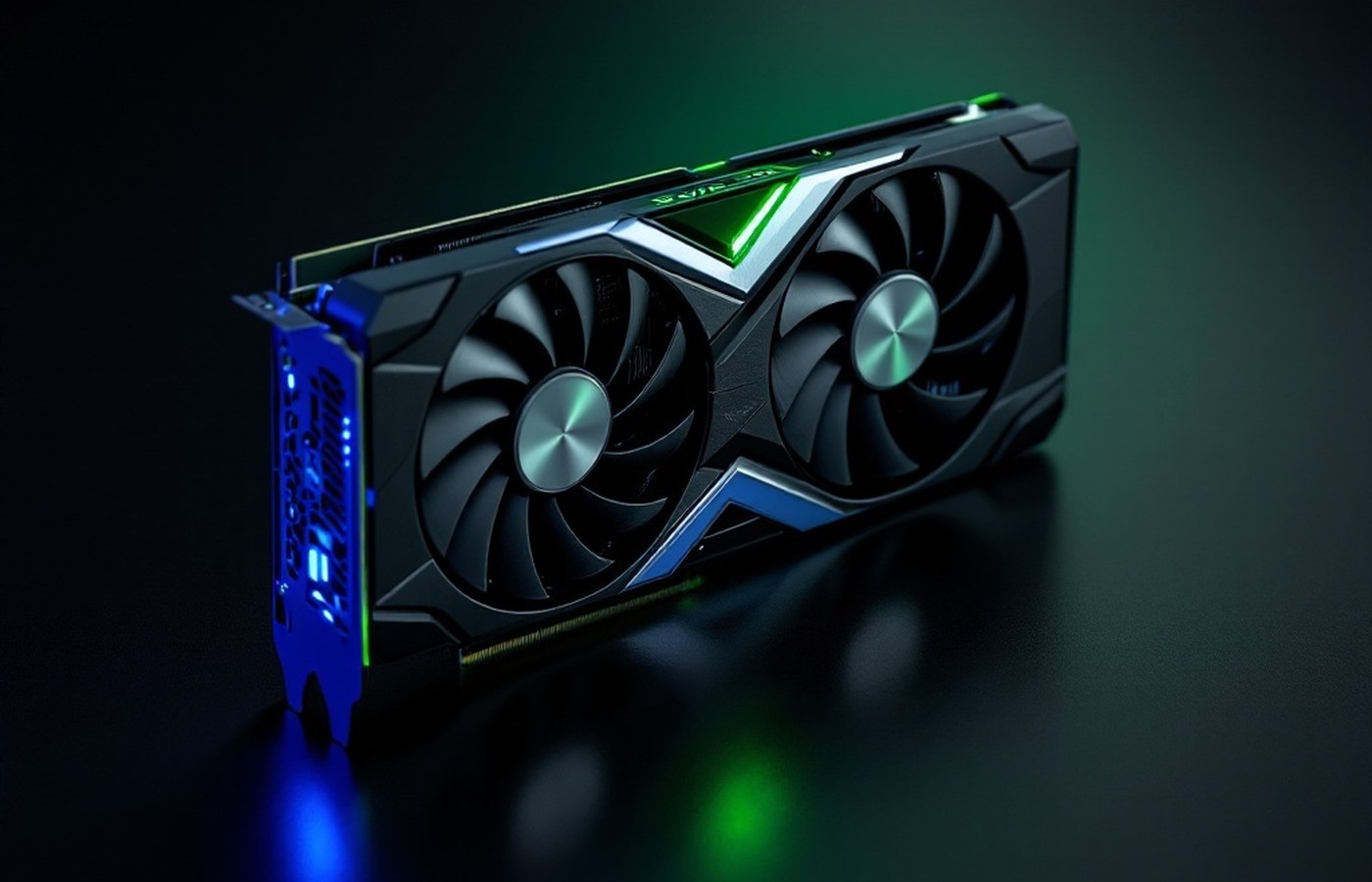
Possibly the second most popular overclocking software, EVGA’s Precision X can be downloaded from the company’s official site. The program is meant for NVIDIA graphics cards and doesn’t work with AMD cards.
It can save up to ten profiles instead of the five MSI Afterburner allows. It also lets you change your GPU clock offset and memory clock offset, along with the ability to overclock the refresh rate.
evga.com → Precision X
AMD Overdrive
For those with an AMD processor, Overdrive is an ideal piece of overclocking software. It can be downloaded free from AMD’s site. What makes it special is that you can change the clock of the RAM as well as the speed of the fans.
On top of that, Overdrive gives you direct information about the state of your processor while you’re overclocking — and lets you make the necessary changes to voltage and clock settings.
amd.com → Overdrive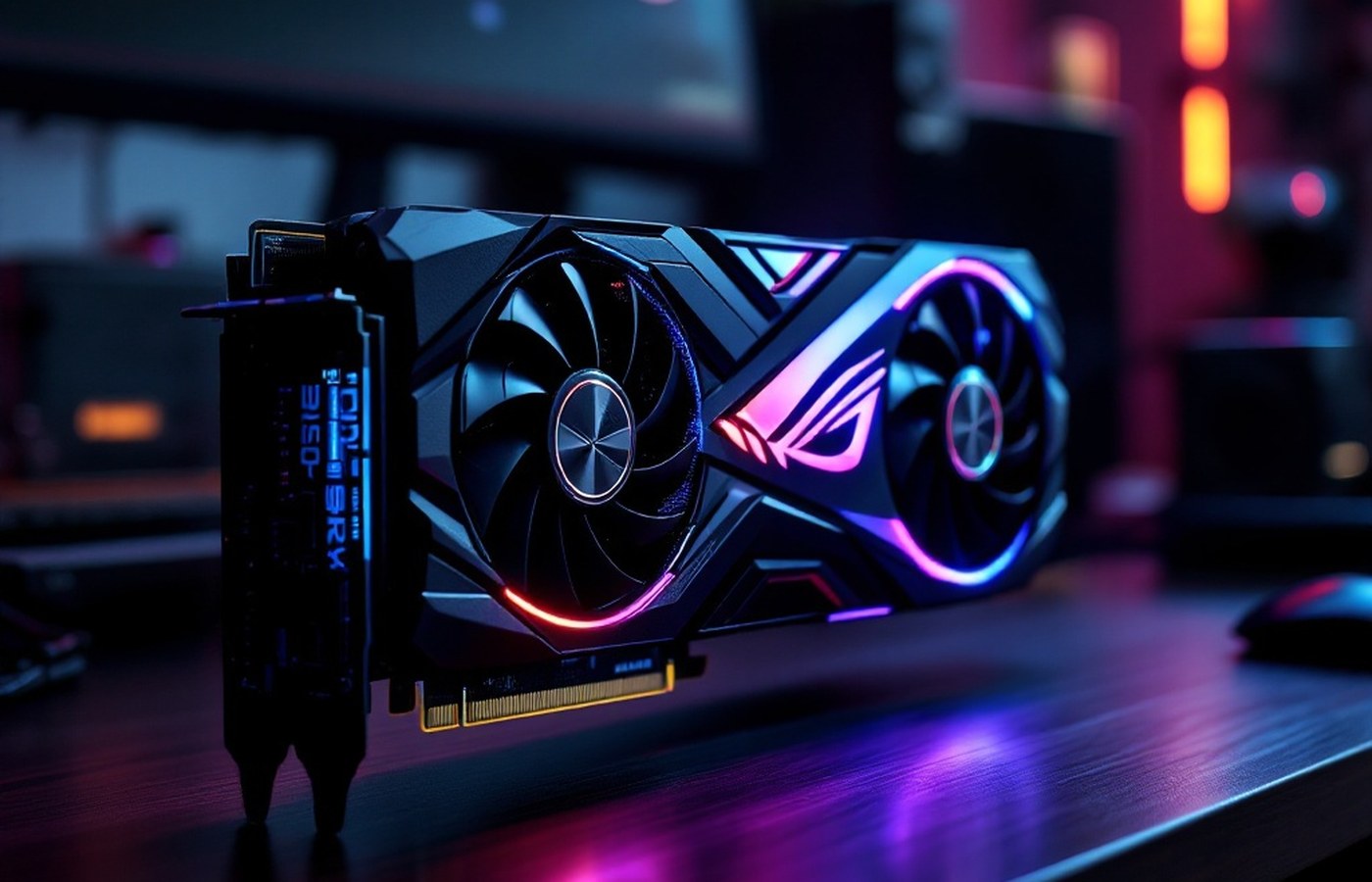
ASUS GPU Tweak II
Another very useful overclocking tool comes from the ASUS brand. GPU Tweak II can be downloaded from the official ASUS page.
Like the other reliable software in this class, Tweak II lets you make the necessary adjustments to GPU components and save four profiles with custom settings. It also monitors your GPU’s status in real time.
Along with all this you get two preloaded settings — Power Saving and Gaming — for special purposes.
asus.com → GPU Tweak IIWhichever tool you choose, the method of this site’s hands-on module applies unchanged: small steps, benchmark every change, and note your safe maximum.