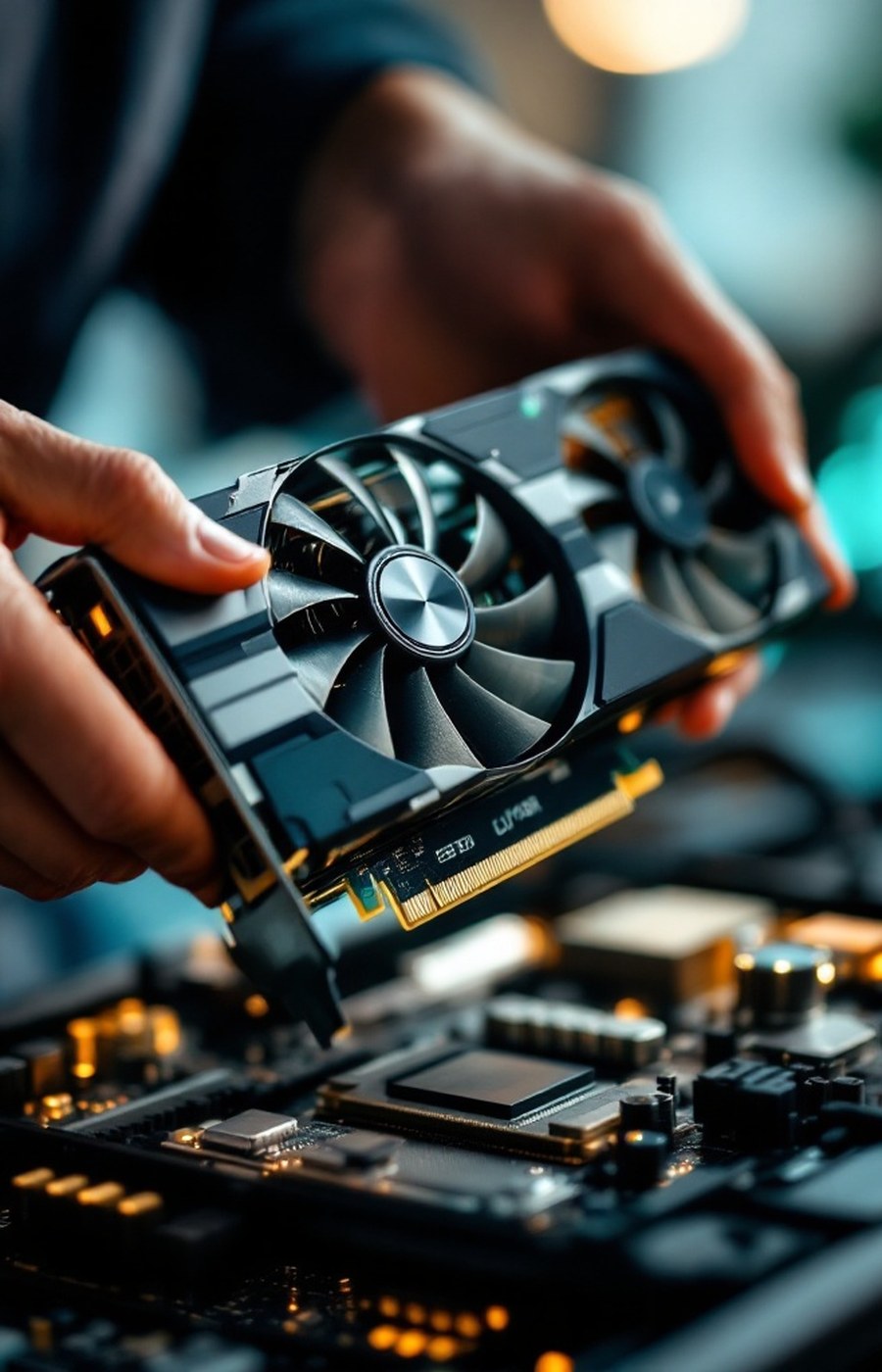
If you are a gamer, or you use graphics-intensive software on your computer, then someday or the other you must have faced — or are about to face — problems where your machine begins to falter.
This can happen for a number of different reasons, but the most likely one is that your existing graphics card can no longer handle the heavy graphics your application demands. As computing technology advances, graphics and rendering software — and games above all — grow more and more demanding of resources.
The games didn’t get worse on your machine. They simply got hungrier — and your card stayed the same.
So, what is the solution?
You can always think about buying a new graphics card. But a new card is a serious expense, the good ones are rarely cheap, and swapping hardware is a cumbersome procedure — you need the right slot, the right power supply, the right clearance in your case, and the patience to fit and configure it all.
There is another way, and it costs nothing: overclocking. Instead of replacing the card, you make the card you already own work at the higher level it is quietly capable of. As covered in the introduction to overclocking, manufacturers state a safe optimum speed for every chip — and almost every chip has usable headroom above it.
Why tune before you buy
- A faltering machine usually means the card can’t keep up with newer, heavier graphics — not that it’s broken.
- Overclocking unlocks the latent capacity your card already has, at zero cost.
- A new card is expensive and cumbersome to install; an overclock takes an evening.
- Done carefully, with good software and benchmarking, it is a safe first resort.
What overclocking gives your graphics card
When you overclock, the core clock and memory clock of your GPU are raised above their stated levels, and the card draws the extra voltage it needs to sustain them. The result, in the games and software that were faltering, is straightforward: higher framerates, smoother motion, and graphics settings you previously had to turn down becoming playable again.
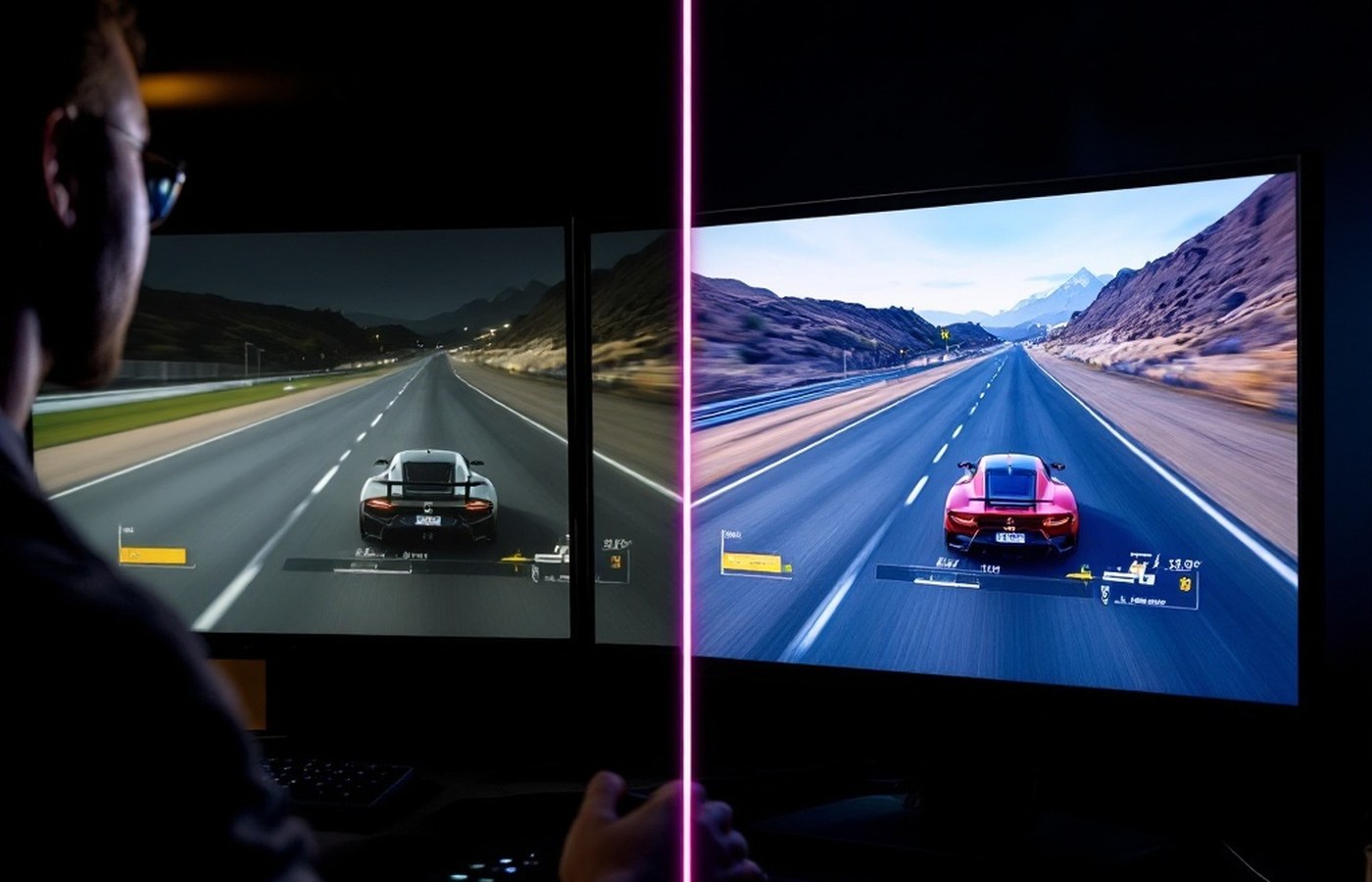
For many users this is the difference between retiring a card and getting another year or two of comfortable service out of it. And because tools like MSI Afterburner are free, the experiment costs you nothing but an evening of careful testing.
The honest caveats
Overclocking is help, not magic. The extra speed brings extra heat, so your cooling has to be up to the job; gains vary from chip to chip; and pushing carelessly past your card’s stable limit can cause the very problems you were trying to solve. That is why the next module walks the process step by step, with benchmarking at every stage — and why the golden rule of this whole site applies here most of all: push past stock, never past safe.
When your machine begins to falter, overclocking is the ultimate first resort for your graphics card: free, reversible, and often all the help your system actually needed. Reach for your wallet only after you’ve reached the limits of the card you own.